Each site’s Configuration tab holds the settings Hyphio manages for you. Open the site in the dashboard, then click Configuration in its side menu. The tab has 5 parts:
Block search engines and AI training
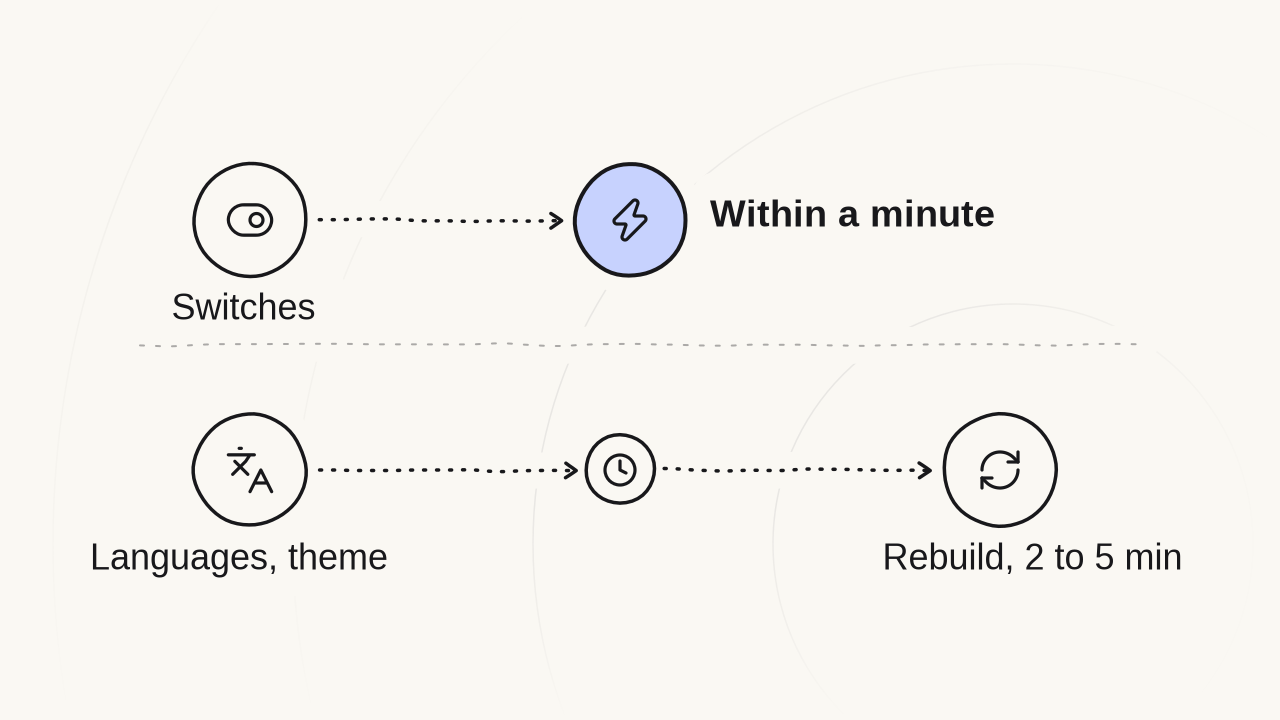
The Settings part has 2 switches. They take effect within about a minute, with no rebuild. Click Save after changing them.
| Switch | What it does | When to use it |
|---|---|---|
| Hide from search engines | Adds a noindex tag to every page so Google and Bing leave the site out of results |
While the site is a work in progress. Turn it off at launch |
| Don’t let AI train on your content | robots.txt asks AI crawlers (GPTBot, ClaudeBot, Google-Extended…) not to use the site for training |
If you don’t want your writing in AI training sets |
Both switches can also be changed in the admin, under Settings.
Switches Hyphio manages
This part has 3 switches. Each one has a default value.
Real-time co-editing
On by default. People who open the same post in the admin see each other’s changes as they type.
When it is off, one person edits a post at a time. The post is locked while someone edits it. After a change, anyone with the admin open should reload it.
Optimize images on upload
Off by default. When it is on, new JPEG and PNG uploads are saved as WebP (quality 82), at most 2560 px on the long edge. Files are much smaller, pages load faster and the site uses less storage.
- Images already uploaded stay as they are.
- SVG, GIF, WebP and AVIF are kept as uploaded, and so are alt text and captions.
- The conversion runs in your browser as you upload.
Passkey sign-in
On by default. The admin’s sign-in page gets a passkey button next to the email link. See Sign in to the admin.
Changing languages needs a rebuild
In the Languages part, pick the main language and the other languages, then click Save and rebuild. This change rebuilds the site in 2 to 3 minutes. See Languages.
Included in every site
These are always on, with nothing to set up:
- Automatic backups every night, in the Backups tab.
- Automatic updates to new EmDash releases. The row shows the version the site runs.
- Automatic SSL for the hyphio.cc address and your own domain.
- Passwordless sign-in by email link or passkey. You stay signed in for 30 days.
- Sitemap and robots.txt, made and kept up to date from your content.
- Comment spam protection with Cloudflare Turnstile on themes with comments. Turnstile checks that people leaving comments are human, with no puzzle. You can’t turn it off, since public comments are where most spam lands. To protect your sign-in page too, use your own Turnstile keys.
Daily limits on changes
To protect your site and others, each site has a daily limit on changes to:
- languages
- theme
- plugins
- email settings
If you reach a limit, the page says so. Try again the next day.
Related pages
- To change your site’s theme, see Themes.
- To learn how Hyphio protects your site, see Security.
- If a switch doesn’t do what you expect, see Troubleshooting.