You start with no account and finish with a published post on your own site. The site runs on a free address on hyphio.cc.
What you need
- A Google account, to sign in to the dashboard.
- About 10 minutes, including 3 minutes while Hyphio builds the site.
- No card. Your 7-day free trial starts when you sign in.
Create a site and publish
Sign in with Google. Open hyphio.com/app/login/ and click Continue with Google. Your account is created with the email of that Google account, and your 7-day free trial starts.
Create the site. On the Websites page, click Create a site. The dialog has 3 steps:
- Pick a theme. Click a picture to see it large. You can change theme later.
- Blog: a personal blog, news or a journal.
- Marketing: a landing page for a product, a service or a small business.
- Portfolio: projects and images.
- Enter the site details.
- Site address: your free address on hyphio.cc, 3 to 30 lowercase letters, numbers and hyphens. The form tells you right away whether it is free. This address can’t be changed later, but you can add your own domain.
- Site name and Tagline, which is optional.
- Language, or turn on Multilingual site to pick a main language and more (Languages).
- Choose sample content. Leave Add sample content on to start with the theme’s sample posts and pages, which you edit or delete. Turn it off for an empty site, for example if you will move from WordPress or from another EmDash.
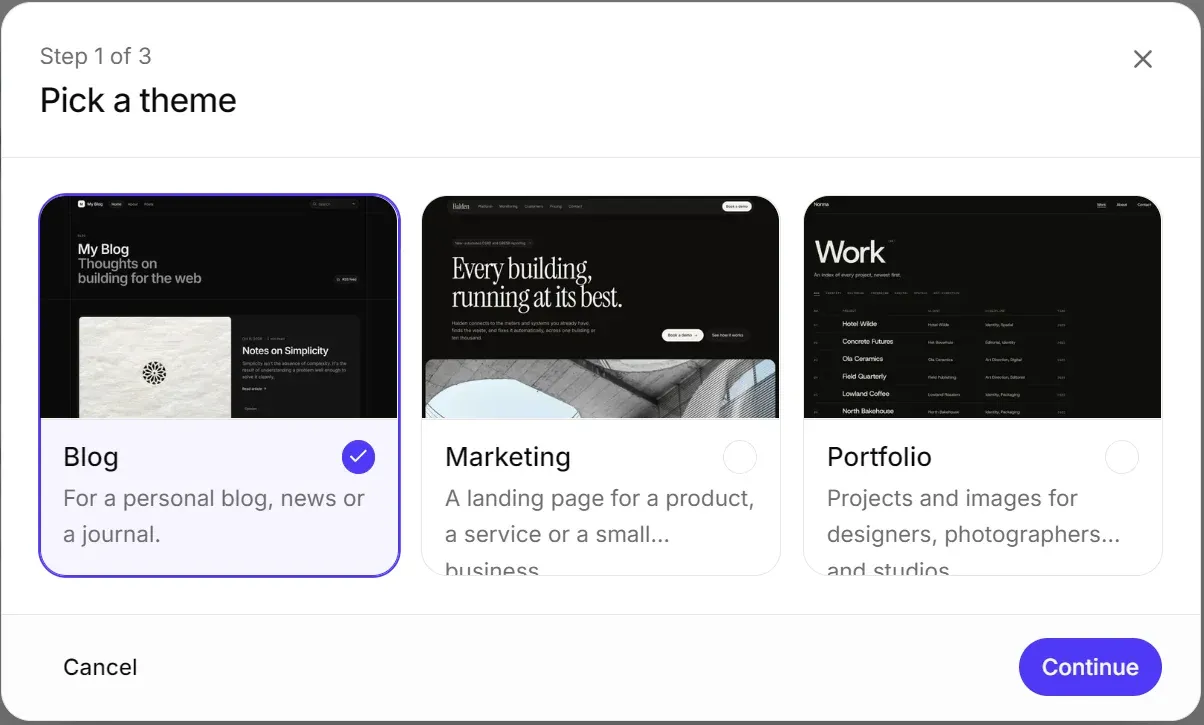
Step 1: pick a theme Then wait about 3 minutes. The site card shows each setup step and updates by itself. When the status says Live, click Open site to see it.
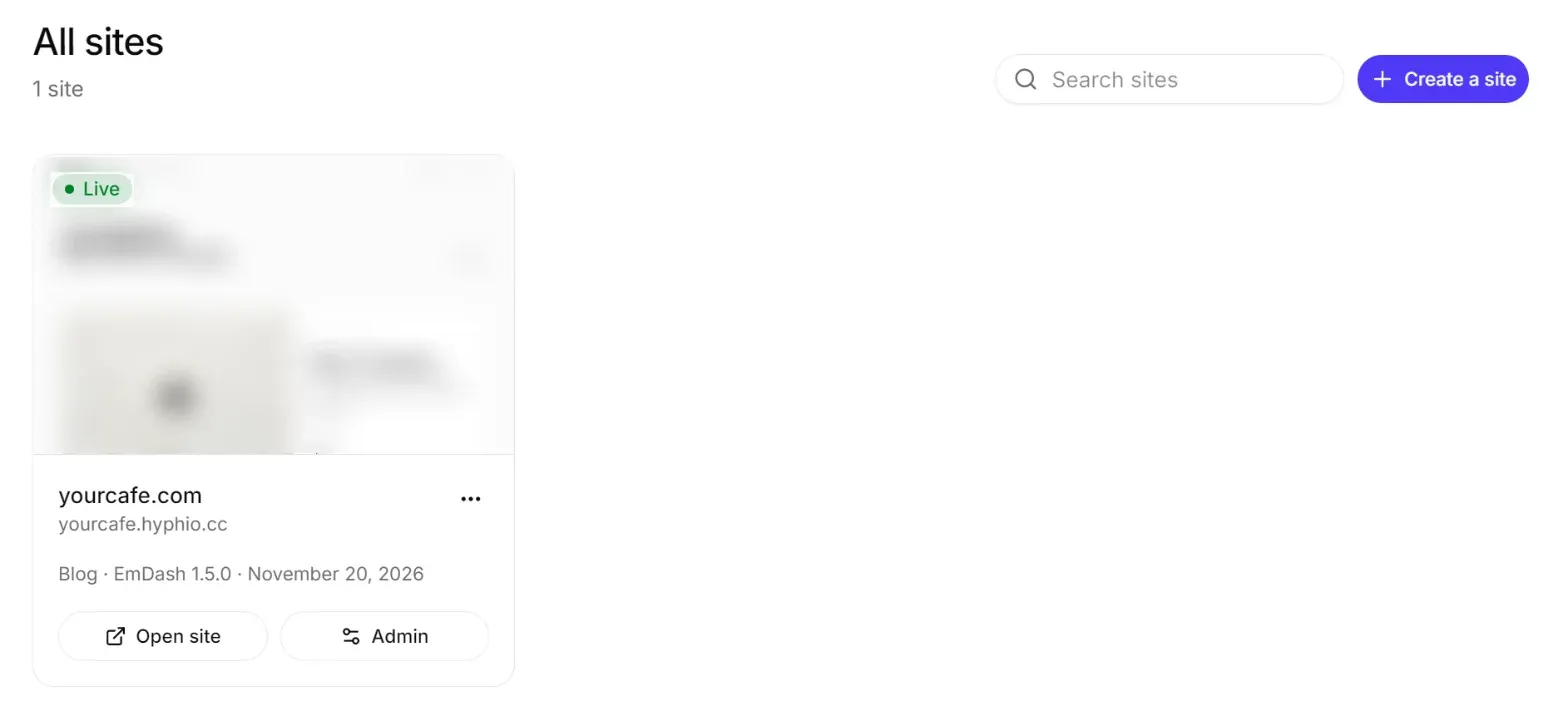
A live site on the Sites page - Pick a theme. Click a picture to see it large. You can change theme later.
Publish a first post. Click Log in to site on the site card. On the sign-in page, enter your Hyphio email and click Send sign-in link, then click the link in the email. You stay signed in for 30 days (Sign in to your site’s admin).
In the admin, open Posts and click New. Write a title and some text, add an image if you like, then click Publish. Open your site: the post is there.
What to do next
The checklist at the bottom of the dashboard’s sidebar shows what is left: create a site, open the admin, add your domain.
Connect your domain
Configure the site
Pay before the trial ends
Write with AI
Related pages
- To understand what happens while Hyphio builds a site, see How Hyphio works.
- If setup fails or you can’t sign in, see Troubleshooting.
- To build sites for clients, see Workspaces and team members.