A Hyphio site is a normal EmDash site that runs on Cloudflare. Hyphio builds it, keeps it up to date and backs it up for you. You write in EmDash’s own admin.
You work in 2 places
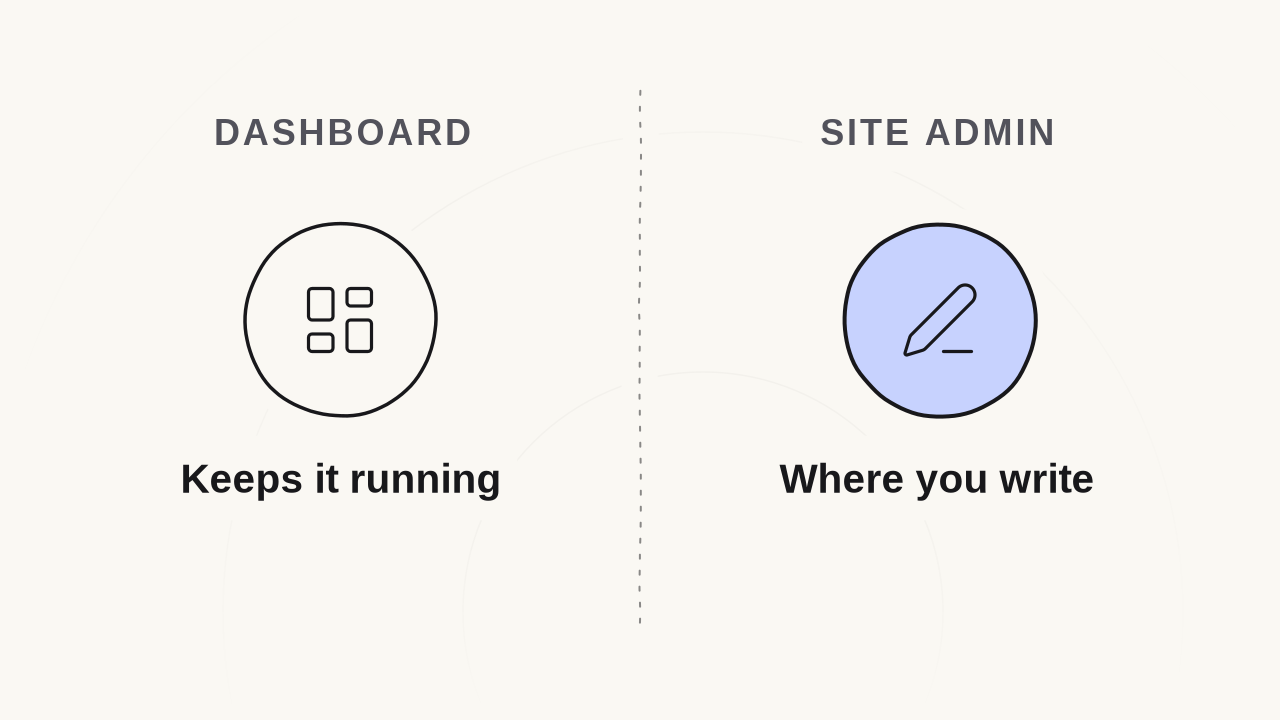
The Hyphio dashboard keeps the site running. Your site’s admin is where you write.
| Hyphio dashboard | Your site’s admin (EmDash) | |
|---|---|---|
| Address | hyphio.com/app/ |
/_emdash/admin/ on your site |
| Sign in | Google, or a passkey you added | A link sent to your email, or a passkey if you turned them on |
| You use it to | Create and delete sites, connect a domain, pick theme and languages, turn plugins on, set up email, see usage, back up, pay | Write posts and pages, upload media, edit menus and widgets, invite editors, set the site title and logo |
| Who sees it | You, and people you invite to a workspace | Everyone you add as a user in the admin |
The dashboard has a Log in to site button on each site that opens the admin for you. Hyphio never needs your admin password, because the admin has no password.
Each site gets a hyphio.cc address
You pick an address on hyphio.cc when you create a site, such as moc-coffee.hyphio.cc. It is 3 to 30 characters long, made of:
- lowercase letters;
- numbers;
- hyphens.
The address works for good, even after you connect your own domain. Once your domain is live, the whole site moves to it, admin included.
Setup takes about 3 minutes
When you click Create site, the setup runs like this.
You pick a theme, a name and languages. The new-site dialog has 3 steps: theme, site details (name, optional tagline, languages), then configuration (sample content on or off).
Hyphio builds the site. It prepares the theme and creates storage and a database on Cloudflare. Then it puts the site online, adds your site name and sample content, and checks the site answers. The card on the Websites page shows each step and updates by itself.
You become its first admin. Your Hyphio email is the site’s first admin account. Open the admin, enter that email, and click the link you receive.
It usually takes about 3 minutes. If setup fails, the card says so with a Try again button.
Which changes rebuild the site
Most switches in the dashboard take effect within a minute, with no rebuild:
- hiding the site from search engines;
- blocking AI training;
- co-editing;
- image optimisation;
- passkeys;
- plugins;
- email;
- Google Analytics;
- Turnstile keys.
A few changes rebuild the site, which takes 2 to 5 minutes. The site stays online on the old version meanwhile:
- changing the theme;
- changing the languages;
- connecting or changing a custom domain;
- updating to a new EmDash version, which Hyphio does for you.
Hyphio updates EmDash for you
Hyphio follows EmDash releases. Each new version is tested automatically against every theme, then every site is rebuilt with it. Your content stays as it is. The site’s Configuration tab shows the EmDash version it runs.
Where your content lives
Each site has its own database and storage. Sites never share them.
- Posts, pages, settings and users: in the site’s own Cloudflare D1 database.
- Images and files: in the site’s own Cloudflare R2 storage.
- Backups: copied every night to separate, locked storage, kept 35 days (Backups).
You can export everything any time from the admin (Settings → Backups, or Settings → Transfer).
Payment keeps a site running
A site runs during your 7-day trial. After that, each site needs to be paid by card or from a prepaid balance.
A site that isn’t paid is paused. Its public pages go offline, while the admin stays open so you can export. The site is deleted 7 days later. Details on the Billing page.
Related pages
- To create a site now, see Create your first site.
- To open the admin for the first time, see Sign in to your site’s admin.
- To turn a site’s switches on or off, see Configuration.
- To learn how Hyphio protects your site, see Security.